Kodi: AI Botanical Illustration
Meet Kodi through the work.
Explore Kodi's botanical plates and the creation details saved with them, from the credited workflow to the prompt summaries behind the images.
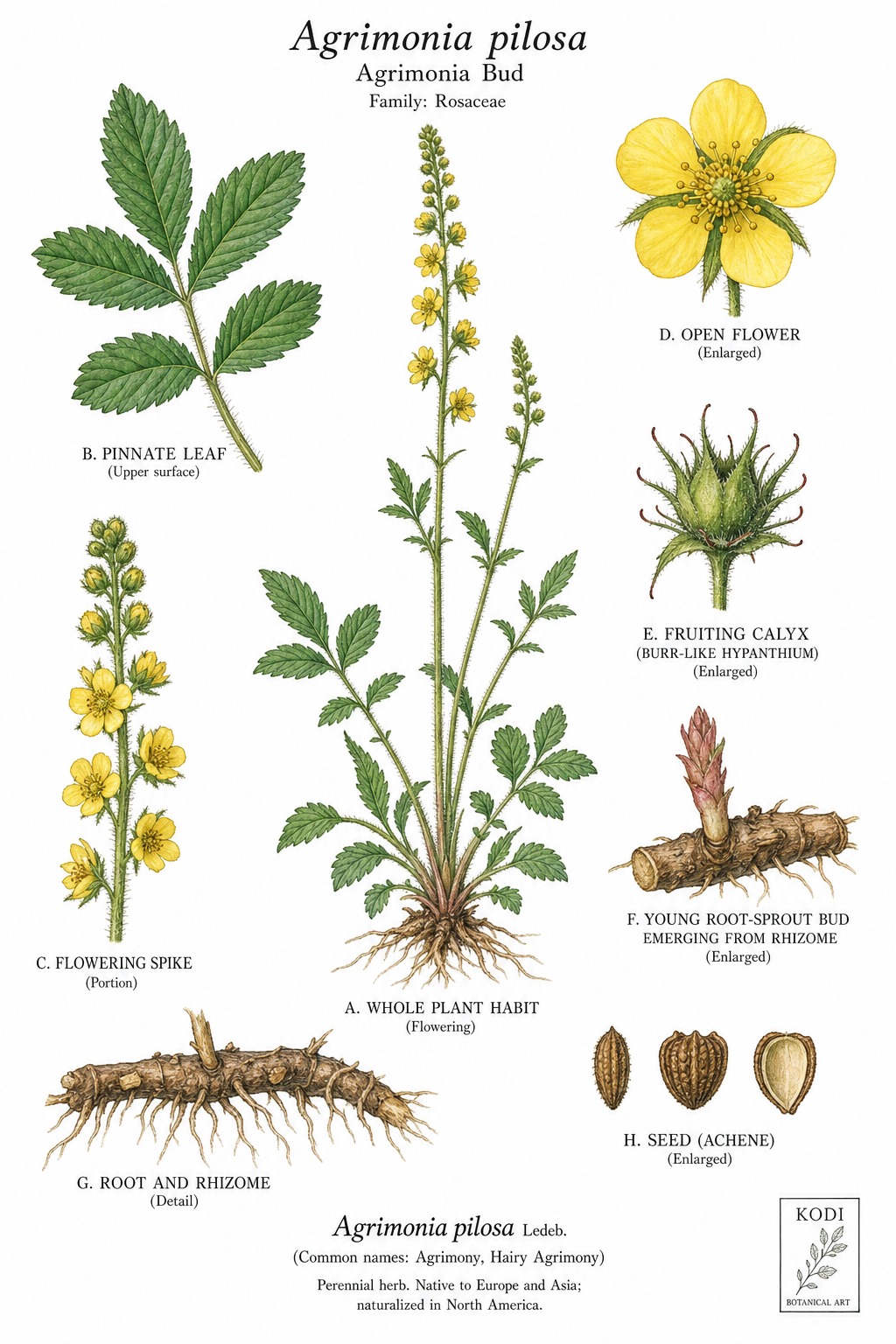 Agrimonia Bud
Artist Foundry record
What keeps Kodi consistent
The public record connects the artist to the project that proved the style and the rules used to review new work.
- Origin project
- AIArtistLife.com Botanical Art Library
- Creative director
- Krisada
- Lifecycle
- Graduated
- Artist version
- 1.0
Approved style system
Kodi Botanical Plate
Create a consistent botanical art collection while keeping the known creation record attached to each image.
What stays fixed
- Keep one botanical subject as the clear focus.
- Use plate-like spacing with room for labels or inset details.
- Keep line, wash, and paper treatment consistent inside a collection.
What can change
- Shift between watercolor, fine ink, and restrained print treatments.
- Change the supporting details when the main subject remains clear.
Publication check
- The subject reads clearly at thumbnail and full size.
- The image fits the selected collection.
- The saved record states only what is known.
- The copy does not claim a botanical review that did not happen.
Kodi is the artist identity, not a human illustrator
Kodi is the AI artist identity attached to this botanical collection. The existing artwork records credit Krisada / AI-assisted workflow as the creator.
That distinction lets you enjoy the work without mistaking an AI avatar for a person who drew every line by hand. The record travels with the picture.
What the saved records actually tell us
The examples below show two recorded tool names: Leonardo AI and ChatGPT Image. These are the names saved with the artwork; the records do not provide exact model versions.
A saved prompt summary captures the request in brief. The full original prompt is blank in these examples, so it is not recreated here. There is also no named botanical reviewer or per-image scientific approval in these records.
Compare three existing Kodi records
The same collection can contain different tools and different visual treatments. Open each example and compare the image with the request recorded beside it.
01
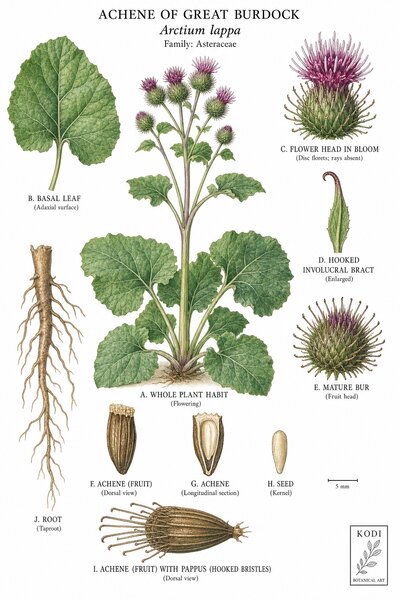
Achene of Great Burdock
Kodi
- Creator credit
- Krisada / AI-assisted workflow
- Recorded tool
- Leonardo AI
- Saved prompt summary
- Botanical plate illustration, achene of great burdock, Arctium lappa, scientific accuracy, fine ink style, cream background, archival quality.
02
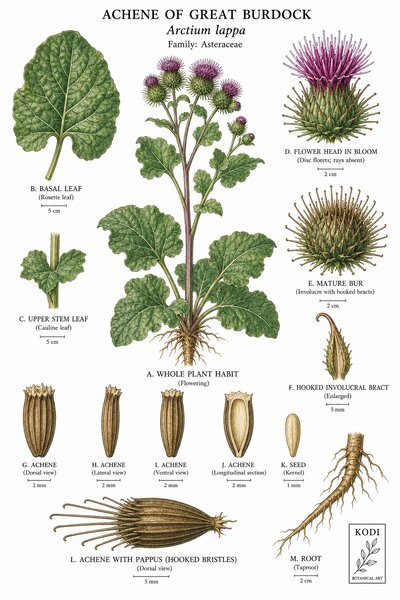
Achene of Great Burdock
Kodi
- Creator credit
- Krisada / AI-assisted workflow
- Recorded tool
- ChatGPT Image
- Saved prompt summary
- Scientific watercolor botanical plate, Achene of Great Burdock, Arctium lappa, white background, labeled diagnostic insets, Kodi mark.
03
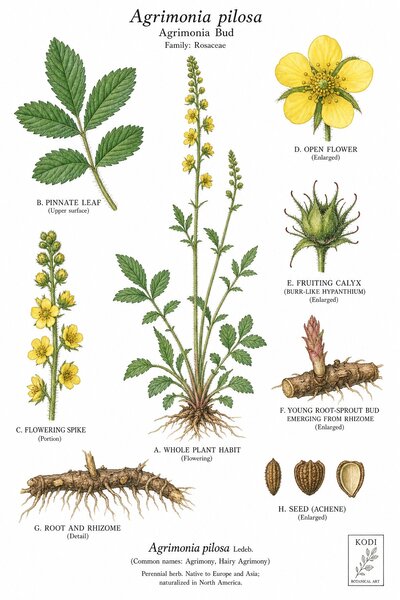
Agrimonia Bud
Kodi
- Creator credit
- Krisada / AI-assisted workflow
- Recorded tool
- ChatGPT Image
- Saved prompt summary
- Scientific watercolor botanical plate, Agrimonia Bud, Agrimonia pilosa, white background, labeled diagnostic insets, Kodi mark.
A prompt is an intention. The image is the result.
Some older summaries request scientific accuracy. That tells us what the creator wanted, not whether the result passed a botanical review.
The useful next step is to look closely. Compare the main subject with the insets, then consult a qualified reference if a factual detail matters to your project.